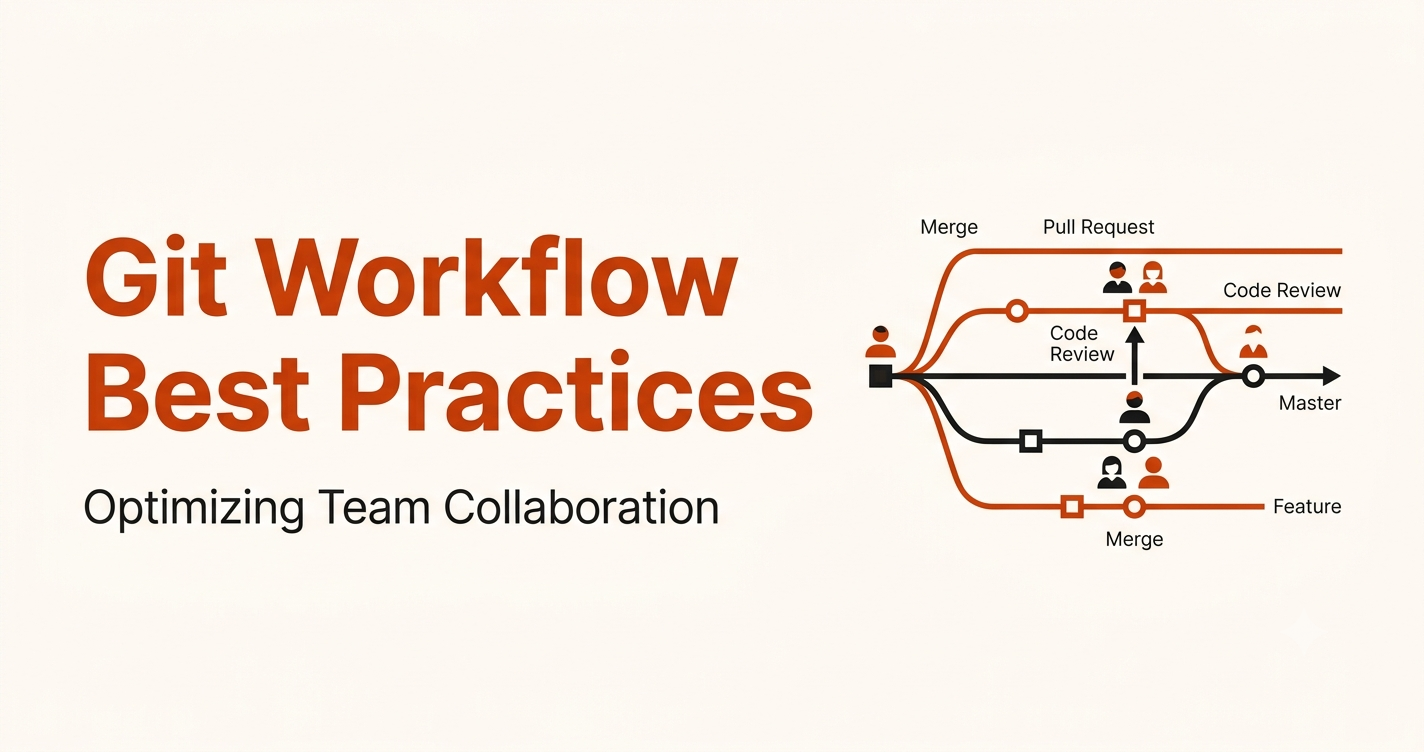
Git Workflow Best Practices for Team Collaboration
When multiple developers work on the same codebase, things can get messy fast — broken code, lost work, conflicting changes. A solid Git workflow prevents all of that.
This guide covers the most important Git practices your team should follow, explained in plain English so anyone can apply them right away — whether you're a solo developer collaborating on open source or part of a 50-person engineering team.
What Is a Git Workflow and Why Does It Matter?
A Git workflow is a set of agreed-upon rules for how your team uses Git — how you create branches, write commits, review code, and release features.
Without a workflow, developers end up stepping on each other's work. With one, your team moves faster, makes fewer mistakes, and ships more confidently.
1. Branching Strategy: Use Git Flow
The most widely used branching model is called Git Flow. It keeps your codebase organized by giving every type of work its own dedicated branch.
Here's what the structure looks like:
main (production — always stable, live code)
├── develop (staging — work in progress, tested but not yet live)
│   ├── feature/login        (new feature: user login)
│   ├── feature/dashboard    (new feature: admin dashboard)
│   └── bugfix/navigation    (fixing a bug in navigation)
└── hotfix/critical-bug      (urgent fix that goes straight to production)
What each branch is for
| Branch | Purpose |
|---|---|
main |
Live production code. Never commit directly here. |
develop |
Ongoing work. All features merge here first. |
feature/* |
One branch per new feature. Created from develop. |
bugfix/* |
Fix a specific bug. Created from develop. |
hotfix/* |
Critical fix for production. Created from main. |
The golden rule
Never push directly to main. All changes must go through a branch and a pull request. This protects your live app from accidental breakage.
2. How to Write Good Commit Messages
A commit message explains what changed and why. Good messages make it easy to understand your project's history. Bad messages waste everyone's time.
Bad vs. good commit messages
❌ Bad — vague and useless
git commit -m "fix stuff"
git commit -m "updates"
git commit -m "wip"

✅ Good — clear and descriptive
git commit -m "feat: add user authentication with JWT"
git commit -m "fix: resolve navigation bug on mobile screens"
git commit -m "docs: update README with local setup instructions"
git commit -m "refactor: simplify password hashing logic"
git commit -m "chore: update Node.js to v20"
Use the Conventional Commits format
The format is: type: short description
| Prefix | When to use it |
|---|---|
feat: |
Adding a new feature |
fix: |
Fixing a bug |
docs: |
Updating documentation |
refactor: |
Improving code without changing behavior |
test: |
Adding or updating tests |
chore: |
Config changes, dependency updates |
style: |
Formatting only — no logic changes |
This format is easy to scan in git history and works great with automated changelog tools.
Tips for better commit messages
- Keep the first line under 72 characters
- Use the present tense: "add feature" not "added feature"
- Commit small, focused changes — one purpose per commit
- If your commit needs more explanation, add a body after a blank line
3. Pull Requests: The Right Way to Share Your Work
A pull request (PR) is how you propose changes to the codebase. It gives your teammates a chance to review your code before it's merged.
A well-written PR saves time for everyone reviewing it. Here's a template you can use:
## What does this PR do?
Implements user authentication using JWT tokens. Users can now log in,
receive a token, and access protected routes.

## Changes made
- Added POST /auth/login endpoint
- Added JWT token generation and validation
- Added authentication middleware for protected routes
- Updated user model to store hashed passwords

## How to test
1. Run `npm install` to get new dependencies
2. Start the server with `npm run dev`
3. Send a POST request to /auth/login with valid credentials
4. Confirm the response includes a JWT token

## Related issues
Fixes #123
Why a good PR description matters
- Reviewers understand your intent faster — they spend less time guessing
- It documents the decision — future developers can read why changes were made
- It helps you think clearly — writing it out often reveals issues before review
PR best practices
- Keep PRs small and focused — one feature or fix per PR
- Link to the relevant issue or ticket
- Add screenshots for UI changes
- Request review from the right people (not the whole team)
- Respond to review comments promptly and professionally
4. Code Review: How to Give and Receive Feedback
Code review is one of the highest-value activities in software development. It catches bugs, spreads knowledge, and improves code quality.
What to check during a code review
- Code quality — Is the code readable? Are there any obvious improvements?
- Test coverage — Are the important paths tested? Are edge cases handled?
- Documentation — Are complex parts explained with comments? Is the README updated?
- Performance — Are there any obvious bottlenecks? Unnecessary loops or queries?
- Security — Any hardcoded secrets? Unvalidated user input? SQL injection risks?
- Consistency — Does the code follow the project's existing style and patterns?
How to give good feedback
- Be specific: "This function could be simplified using Array.reduce()" is better than "this is messy"
- Explain why, not just what: help the author learn
- Separate blocking issues from suggestions — mark what must change vs. what's optional
- Acknowledge good work — positive feedback matters too
How to receive feedback well
- Don't take it personally — the review is about the code, not you
- Ask for clarification if a comment is unclear
- Thank reviewers for their time
5. Merge Strategies: Which One Should You Use?
When it's time to merge your branch, you have three options. Each has trade-offs.
# Option 1: Merge commit
# Keeps the full history of both branches.
# You can see exactly when the feature branch was merged.
git merge feature/login

# Option 2: Rebase and fast-forward merge
# Replays your commits on top of develop for a cleaner, linear history.
# Great when you want a tidy git log.
git rebase develop
git merge --ff-only

# Option 3: Squash merge
# Combines all feature branch commits into a single commit on develop.
# Perfect when your feature branch has many small/messy commits.
git merge --squash feature/login
Which should you pick?
| Strategy | Best for |
|---|---|
| Merge commit | When you want to preserve the full branch history |
| Rebase + fast-forward | When you want a clean, linear git log |
| Squash | When your branch has noisy commits you want to clean up |
Team tip: Pick one strategy and stick to it across the team. Mixing strategies creates inconsistent history that's harder to navigate.
6. Tagging Releases
Tags mark a specific point in your history — usually a release. They make it easy to find exactly what code was running in production at any point.
# Create an annotated tag with a message
git tag -a v1.0.0 -m "Release version 1.0.0 — initial public launch"

# Push the tag to the remote repository
git push origin v1.0.0

# List all tags
git tag

# Push all tags at once
git push origin --tags
Version numbering: use Semantic Versioning
Use the MAJOR.MINOR.PATCH format:
v1.0.0→ First stable releasev1.1.0→ New feature added (backward compatible)v1.1.1→ Bug fix (no new features)v2.0.0→ Breaking change
Putting It All Together: A Typical Development Workflow
Here's what a day in the life looks like when your team follows these practices:
# 1. Start from the latest develop branch
git checkout develop
git pull origin develop

# 2. Create a new feature branch
git checkout -b feature/user-profile

# 3. Work on your feature, commit often with clear messages
git add .
git commit -m "feat: add user profile page with avatar upload"
git commit -m "feat: add profile edit form with validation"

# 4. Push your branch to the remote
git push origin feature/user-profile

# 5. Open a pull request on GitHub/GitLab
# → Write a clear description
# → Request review from teammates
# → Address all feedback

# 6. Merge into develop after approval
git checkout develop
git merge --squash feature/user-profile
git commit -m "feat: add user profile page (#45)"

# 7. Delete the feature branch (keep things tidy)
git branch -d feature/user-profile
git push origin --delete feature/user-profile
Key Takeaways
- Use Git Flow — separate branches for features, bugs, hotfixes, and releases keeps the codebase stable
- Write meaningful commit messages — use Conventional Commits format (
feat:,fix:,docs:) for a readable history - Keep PRs small and well-described — easier to review, faster to merge, simpler to revert if needed
- Review code thoroughly but kindly — check for quality, tests, security, and performance
- Choose one merge strategy — and stick to it across the team for a consistent git history
- Tag every release — using Semantic Versioning so you can always find what was deployed when
Following these practices won't just prevent headaches — they'll make your entire team faster and more confident shipping code.